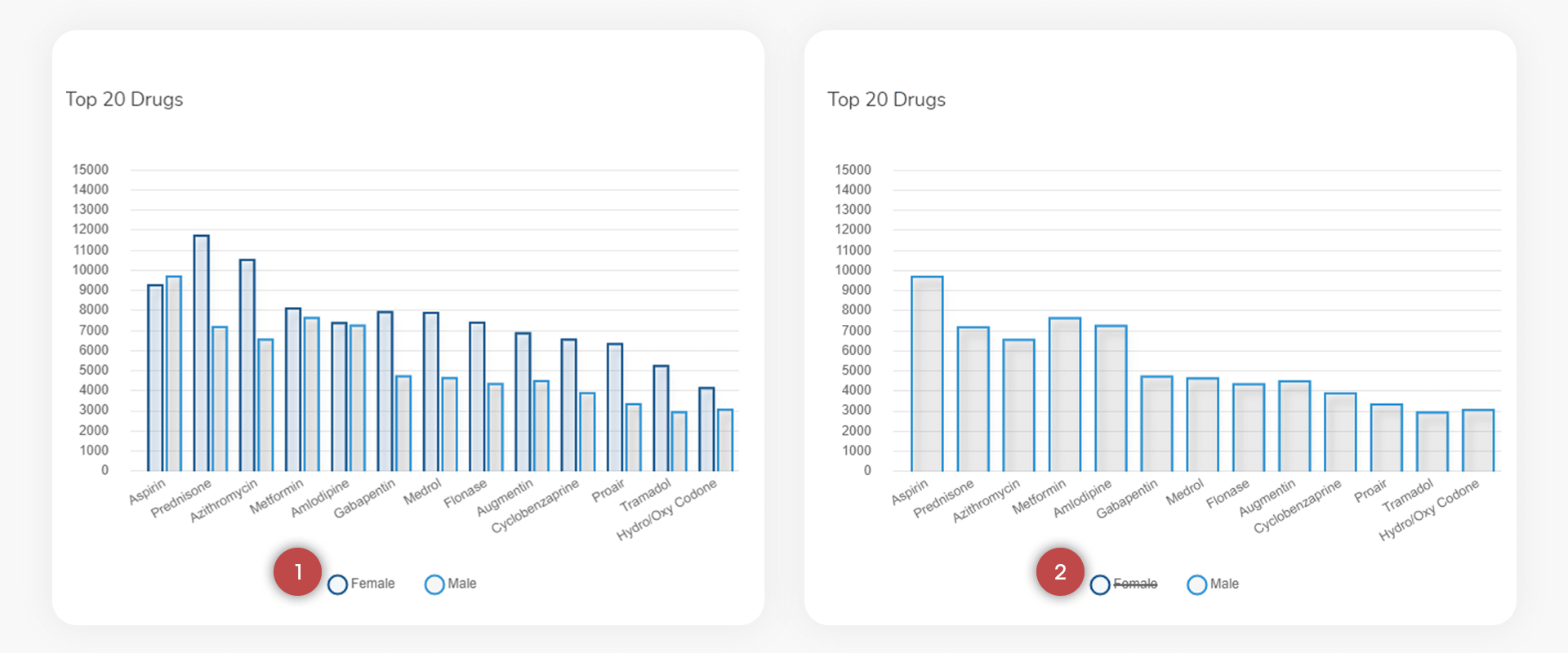
The current Dashboard serves all users and is the default landing page once the User has logged in. Scroll down to see more charts.
To modify the display of each chart it is possible to turn x-axis elements on and off. By selecting “Female” on the Top 20 Diagnoses chart that data for Females will be turned off and the x-axis legend for Female will have a line through it. Reselecting Female will turn it back on.